Wordpress

A/B testing for WordPress sites — no developer needed

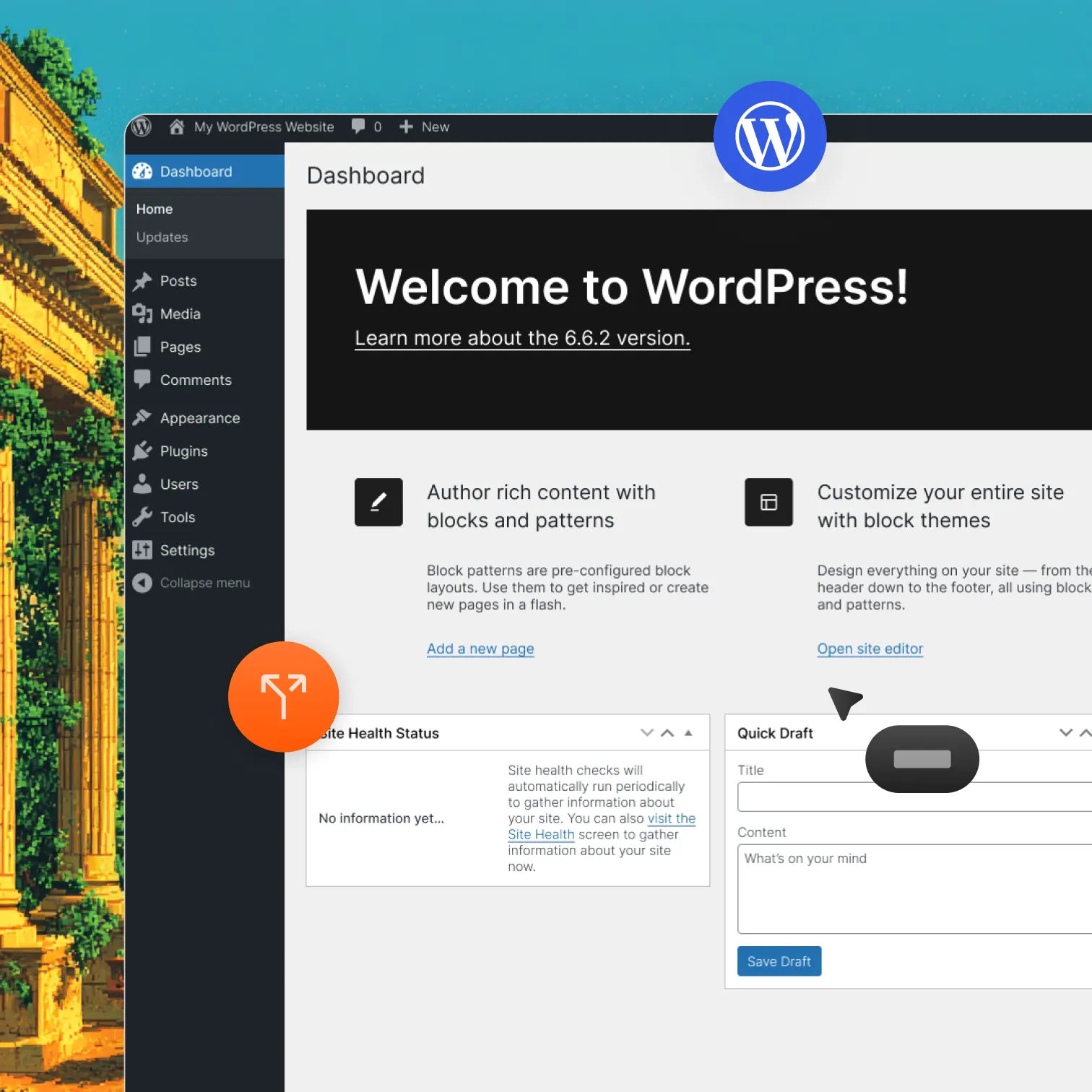
Download the Optibase plugin, install it in minutes, and start testing any page on your WordPress site. Works with all major page builders. No code, no flicker, no complicated setup.
Quick install: Download the plugin, upload the ZIP, enter your API key. Done.
Works with all builders: Elementor Pro, Bricks, Divi, Gutenberg, Oxygen, Breakdance.
No Flickering: Eevery visitor sees the right variant from the first load.
Header image
Join 3000+ companies already testing with Optibase
WordPress plugin

Install in minutes. Test any page builder.

Download the Optibase plugin ZIP from the download page, upload it in WordPress under Plugins → Add New Plugin → Upload, and activate it. Then copy your Public API Key from your Optibase workspace settings, paste it into the plugin, and save. Tracking starts across your entire site immediately. No theme edits, no script pasting, no developer needed.

Simple ZIP install

Download from the Optibase download page, upload to WordPress, activate, and add your API key. That's the entire setup.

Works with all major builders

Bricks, Elementor Pro, Divi, Gutenberg, Oxygen, and Breakdance all work with Optibase out of the box. Each builder's attributes panel connects elements directly.

 Works with WooCommerce

Test product pages, cart pages, and checkout flows. Track add-to-cart clicks, form submissions, and page visits as conversions.
Performance

Testing that does not touch your site's speed

WordPress sites are already managing themes, plugins, and caching. Optibase is built to stay out of the way. The script is lightweight, non-blocking, and works alongside standard WordPress caching setups. Your pages stay fast, your visitors never see a flash of the wrong variant, and Google never sees anything unusual.

No flicker on any variant

Each visitor sees their assigned variant on the first load. No flash of another version, no layout shift, no broken experience.

Cache-friendly

Optibase works with WP Rocket, LiteSpeed Cache, W3 Total Cache, and other standard WordPress caching plugins without conflicts.

SEO stays safe

One consistent page in Google's eyes. No redirects, no cloaking. Your rankings are protected while tests run.
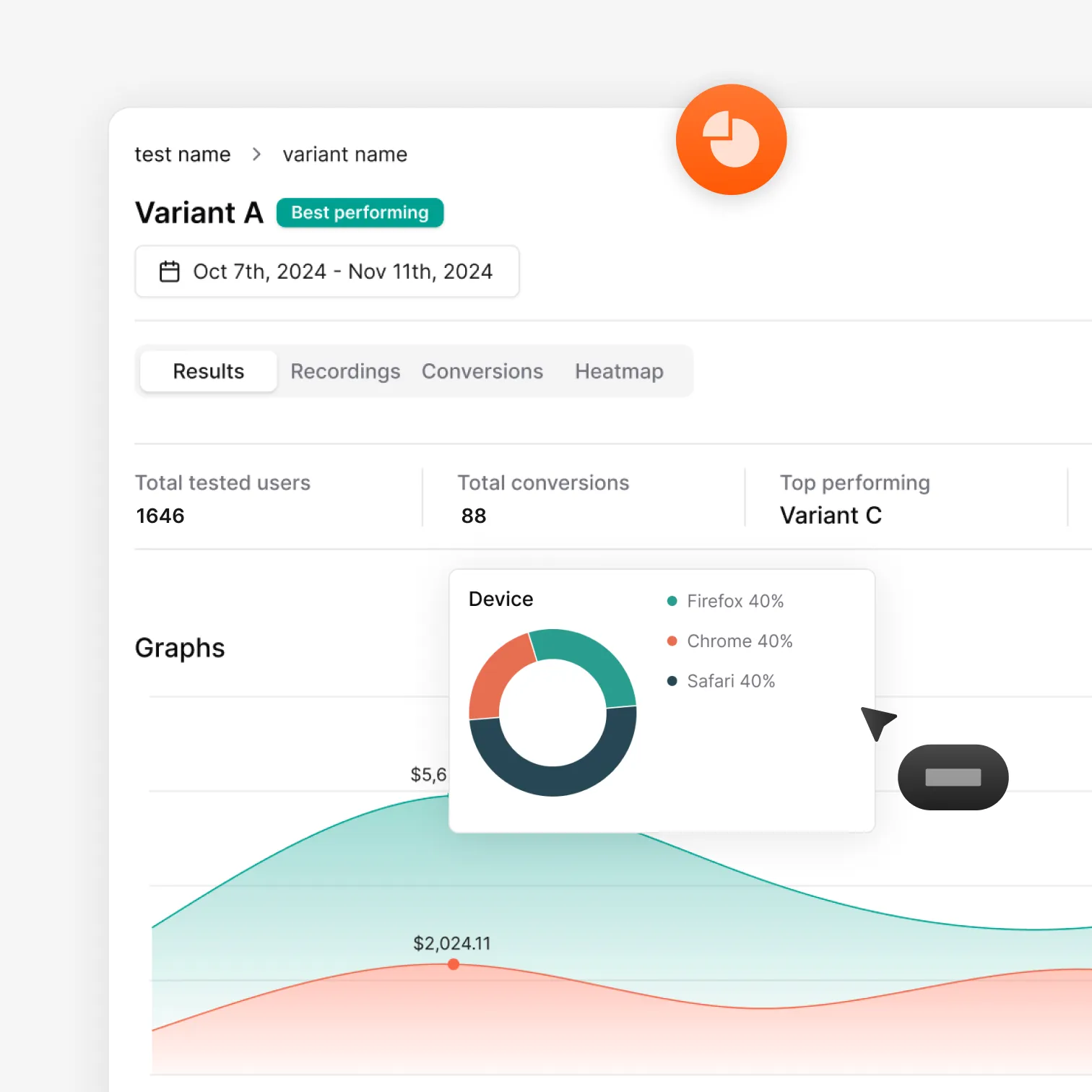
Optibase A/B test results dashboard with conversion data and charts
How it works

From download to live test in under 15 minutes

Download the plugin, connect your workspace, build your variant, and launch your first test in minutes.

Download and install the plugin

Go to the Optibase download page and download the WordPress plugin ZIP. In WordPress, go to Plugins → Add New Plugin → Upload Plugin, upload the file, and activate it.

Connect your workspace

Open your Optibase workspace, go to Settings, and copy your Public API Key. Paste it into the Optibase plugin settings in WordPress and save. Tracking is now live across your site.

Build your variant and add attributes

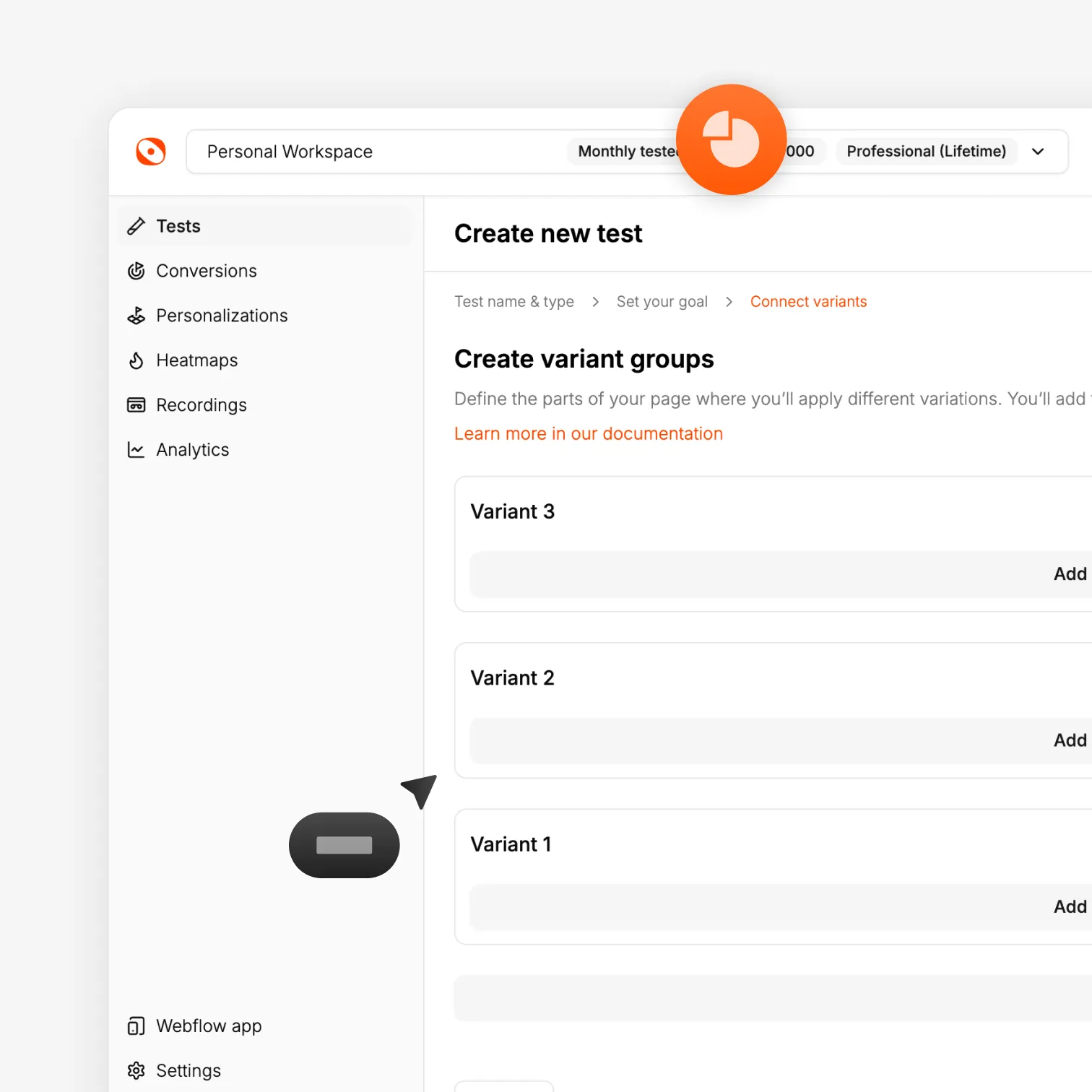
In your page builder, create the element or section you want to test. Use the builder's Attributes panel to add the Optibase test ID, variant ID, and conversion ID to your elements.

Launch and read results

Activate the test in the Optibase dashboard. Watch results update in real time. When a winner emerges, ship it.
Tutorial

A/B testing on WordPress from start to finish

Install Optibase, create a variant in the Designer, set a conversion goal, and launch a live test — in under 10 minutes.
FAQ

Frequently asked questions

How do I install Optibase on WordPress?
Download the plugin ZIP from the Optibase download page. In WordPress, go to Plugins → Add New Plugin → Upload Plugin, upload the file, and activate it. Then go to your Optibase workspace settings, copy your Public API Key, paste it into the plugin, and save.
Can I test WooCommerce product pages?
Yes. Optibase works on WooCommerce product pages, cart pages, and checkout flows. You can track clicks, form submits, and page visits as conversion goals.
Do I need a developer?
No. The plugin installs from the WordPress dashboard. You add attributes to elements using your builder's native panel. The test runs and reports from the Optibase dashboard. No code at any step.
Which page builders does Optibase support?
Optibase works with Elementor Pro, Bricks Builder, Divi, Gutenberg (with the free Attributes for Blocks plugin), Oxygen, and Breakdance. Each builder's native attributes panel is used to connect elements — no code required.
Will it conflict with my caching plugin?
No. Optibase works alongside standard WordPress caching setups including WP Rocket, LiteSpeed Cache, and W3 Total Cache.