Native Breakdance integration
Connect elements to Optibase inside the Breakdance editor
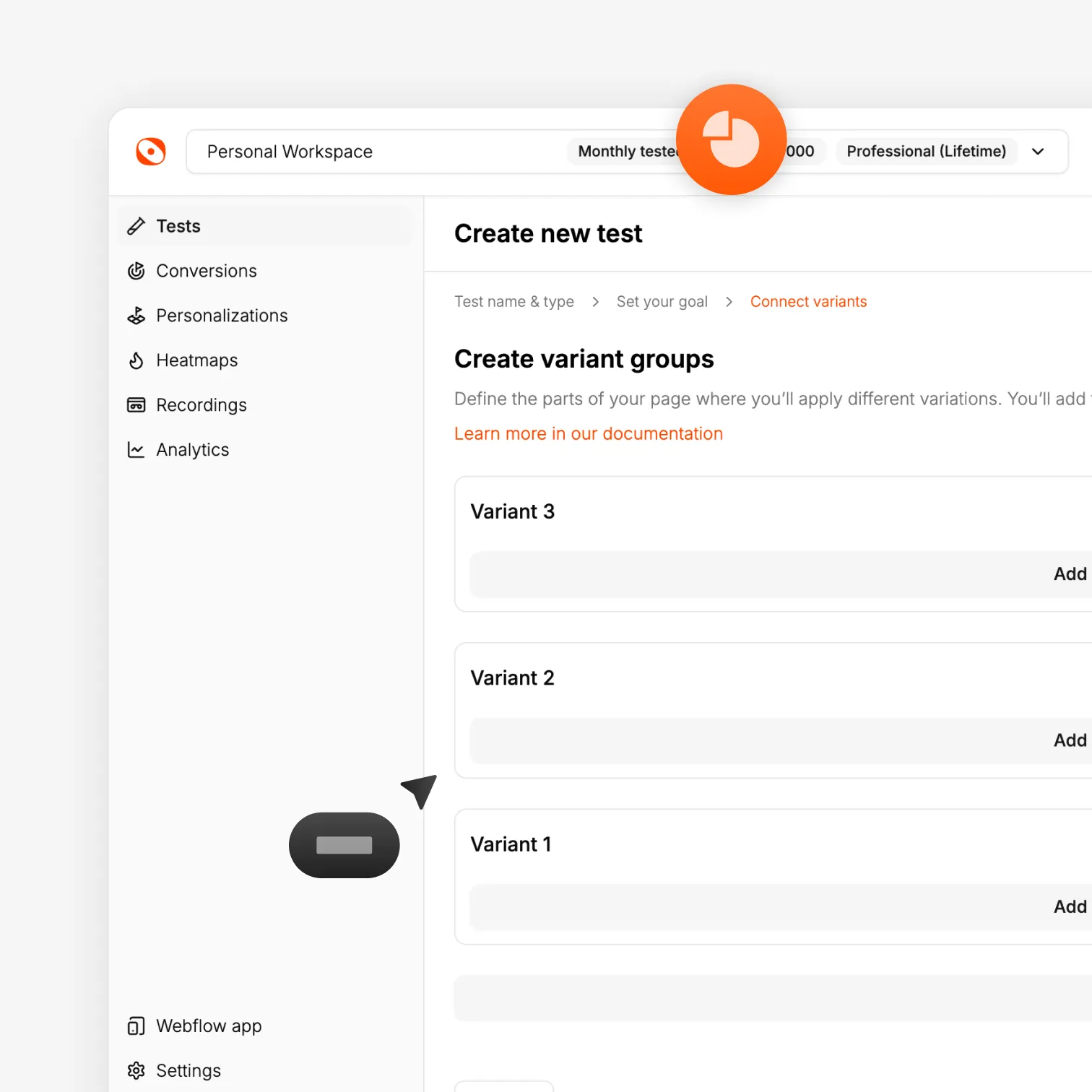
Breakdance's attributes panel lets you add custom data attributes to any element without leaving the visual editor. Add your Optibase test ID, variant ID, and conversion ID to the elements you want to compare, publish, and your test is set up. No code editor, no PHP, no custom functions.
Visual attribute setup
Add data-optibase-test-id, data-optibase-variant-id, and data-optibase-click-conversion-id directly in Breakdance's editor. No code required.
Test buttons, sections, and full layouts
Tag individual elements like CTAs for click tracking, or tag entire containers to compare full layout and copy variants.
Works with Breakdance global elements
Optibase connects at the element attribute level, so global headers, footers, and reusable sections are all supported.




.svg)


.svg)


.svg)
.svg)