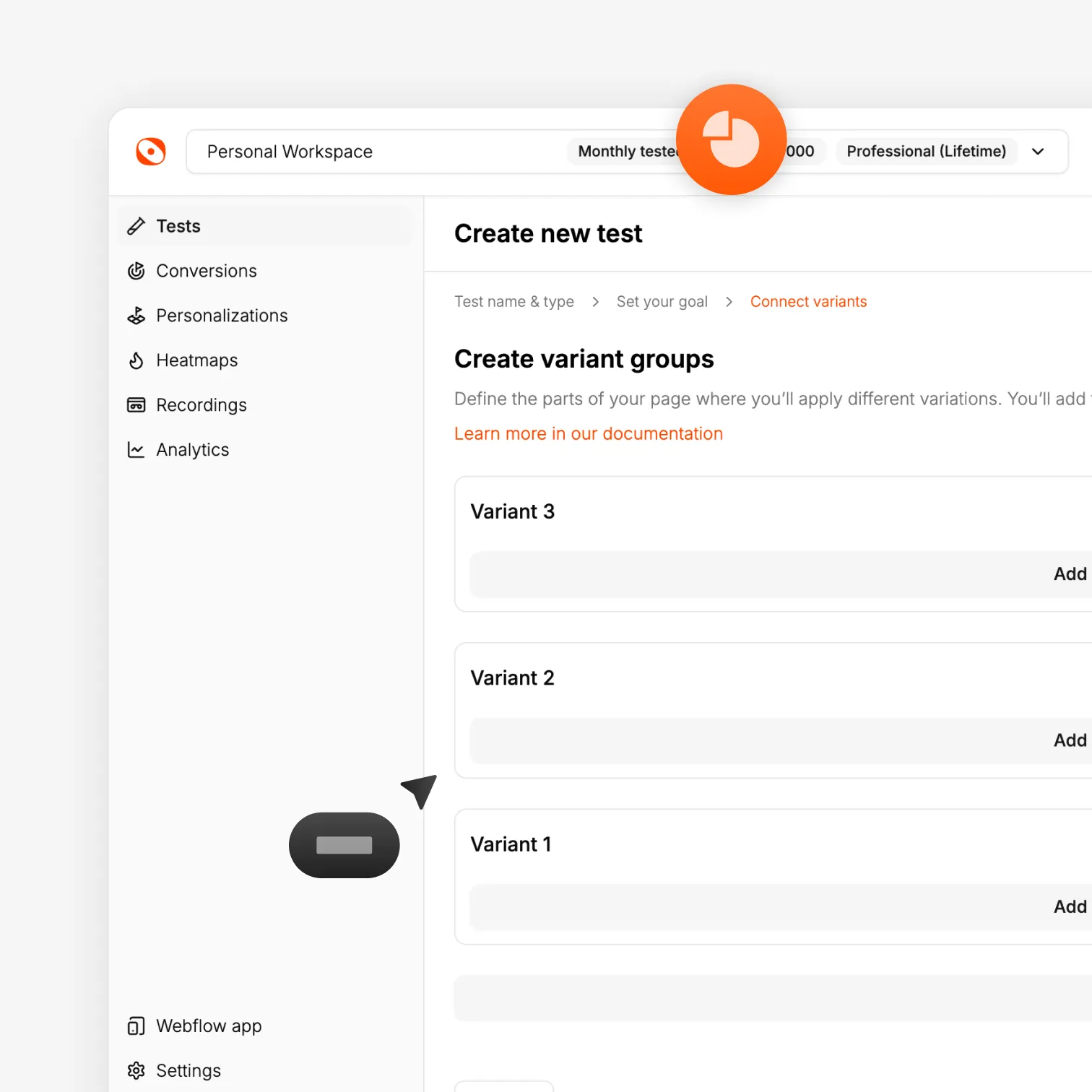
Optibase works with the WordPress Block Editor. You need one free helper plugin — Attributes for Blocks — to add custom attributes to blocks. Once that's in place, you can test any block, pattern, or page layout without writing any code.
Two plugins, one setup: Optibase plugin + free Attributes for Blocks plugin. Install both in minutes.
Test any block: Headings, buttons, sections, full-page layouts.
No Flickering: Every visitor sees their assigned variant from the first load.
Join 3000+ companies already testing with Optibase
Block Editor integration
Test any Gutenberg block — no custom code
Gutenberg doesn't support custom HTML attributes on blocks natively. The free "Attributes for Blocks" plugin from the WordPress plugin directory adds that capability. Once installed, you can add Optibase test attributes to any block in the Advanced panel — the same workflow as every other builder Optibase supports.
Free helper plugin
"Attributes for Blocks" is a free plugin from the official WordPress directory. Install it alongside Optibase and custom attributes become available on every block.
Test any block type
Add Optibase attributes to headings, paragraphs, buttons, images, columns, or any other block. Test individual elements or full block patterns.
Full-site editing supported
Optibase works with block-based themes and full-site editing templates, including custom headers, footers, and page templates.
Performance
Lightweight testing for clean WordPress sites
Gutenberg produces lean, clean page output. Optibase keeps it that way. The script is non-blocking, the inactive variant is hidden immediately on load, and Google sees one stable, consistent version of your page throughout every test.
No flicker
Visitors see one variant from the moment the page renders. No flash of competing content, no layout shift.
Non-blocking script
Optibase loads in parallel with your page and does not delay rendering. Your Block Editor site stays fast.
Safe for SEO
No redirects, no hidden content tricks. Your search rankings are not at risk.
How it works
From install to live Gutenberg test in under 15 minutes
Install the plugin, add Optibase attributes to your elements, set a conversion goal, and launch your test in minutes.
Download the Optibase plugin ZIP from the download page and upload it in WordPress. Also install the free "Attributes for Blocks" plugin from the WordPress plugin directory. Activate both.
2
Add your API key
Copy your Public API Key from your Optibase workspace Settings. Paste it into the Optibase plugin settings in WordPress and save.
3
Add Optibase attributes to your blocks
Open your page in the Block Editor. Select a block, go to the Advanced panel, and add your Optibase conversion ID, test ID, and variant ID to the relevant blocks.
4
Launch and read results
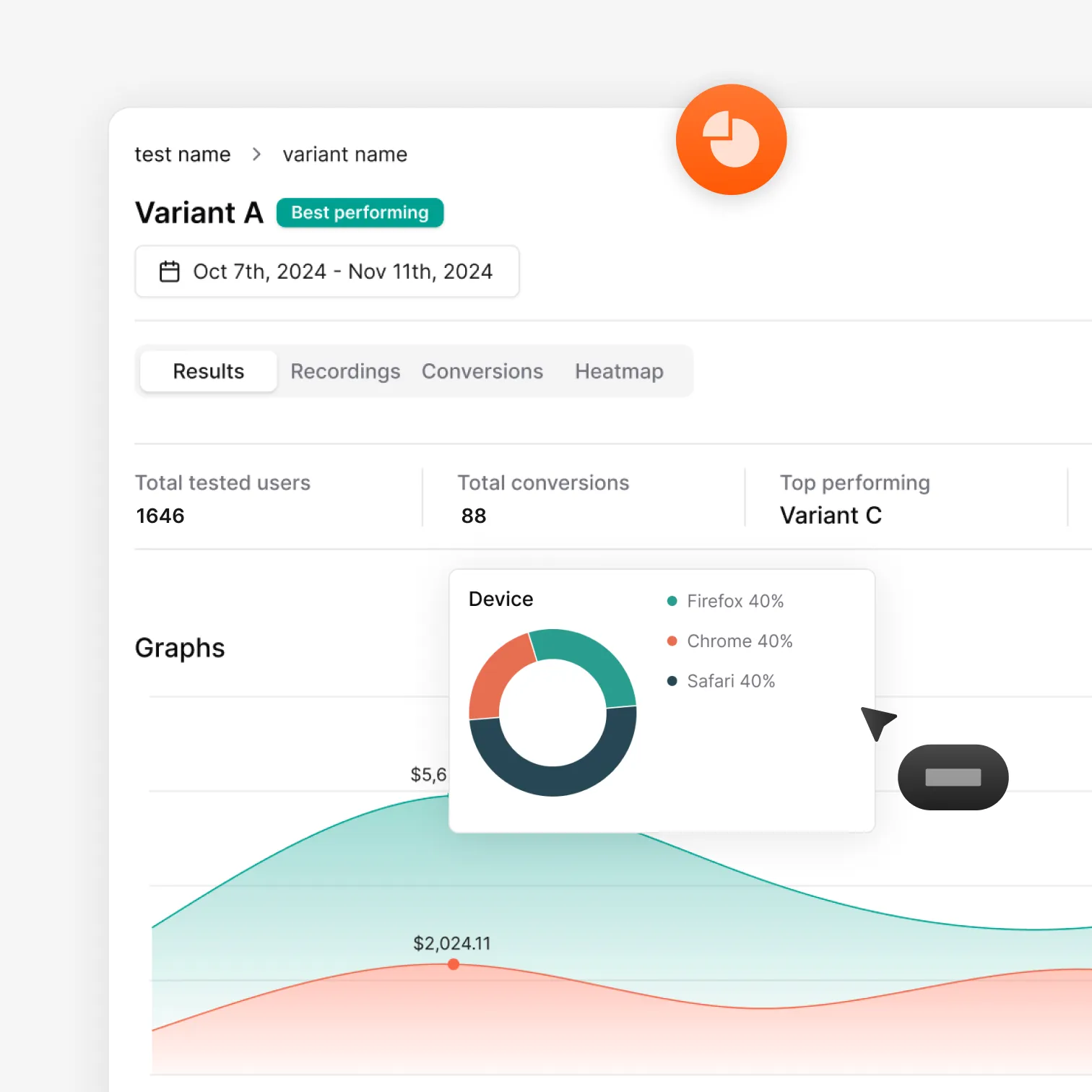
Activate the test in the Optibase dashboard. Monitor live results. Apply the winning version when you have a clear answer.
Tutorial
Watch: A/B testing with Gutenberg
See how to install both plugins, add Optibase attributes to blocks, and launch a live test step by step.
Gutenberg does not support custom HTML attributes on blocks by default. The free "Attributes for Blocks" plugin from the WordPress plugin directory adds this capability. It's a lightweight utility — install it alongside Optibase and custom attributes become available on every block.
Can I test full-site editing templates and block themes?
Yes. Optibase supports WordPress full-site editing and block-based themes. You can run tests on page templates created in the full-site editor.
Does it slow down the site?
No. Optibase uses a lightweight, non-blocking script that does not affect Gutenberg page load times or Core Web Vitals.
How do I install Optibase on a Gutenberg site?
Download the Optibase plugin ZIP from the download page and upload it in WordPress under Plugins → Add New Plugin. Also install the free Attributes for Blocks plugin. Activate both, then paste your Public API Key from your Optibase workspace settings.
Does it work with reusable blocks and patterns?
Yes. Optibase connects through element attributes, so reusable blocks and patterns work the same way as any other block.



.svg)


.svg)


.svg)
.svg)