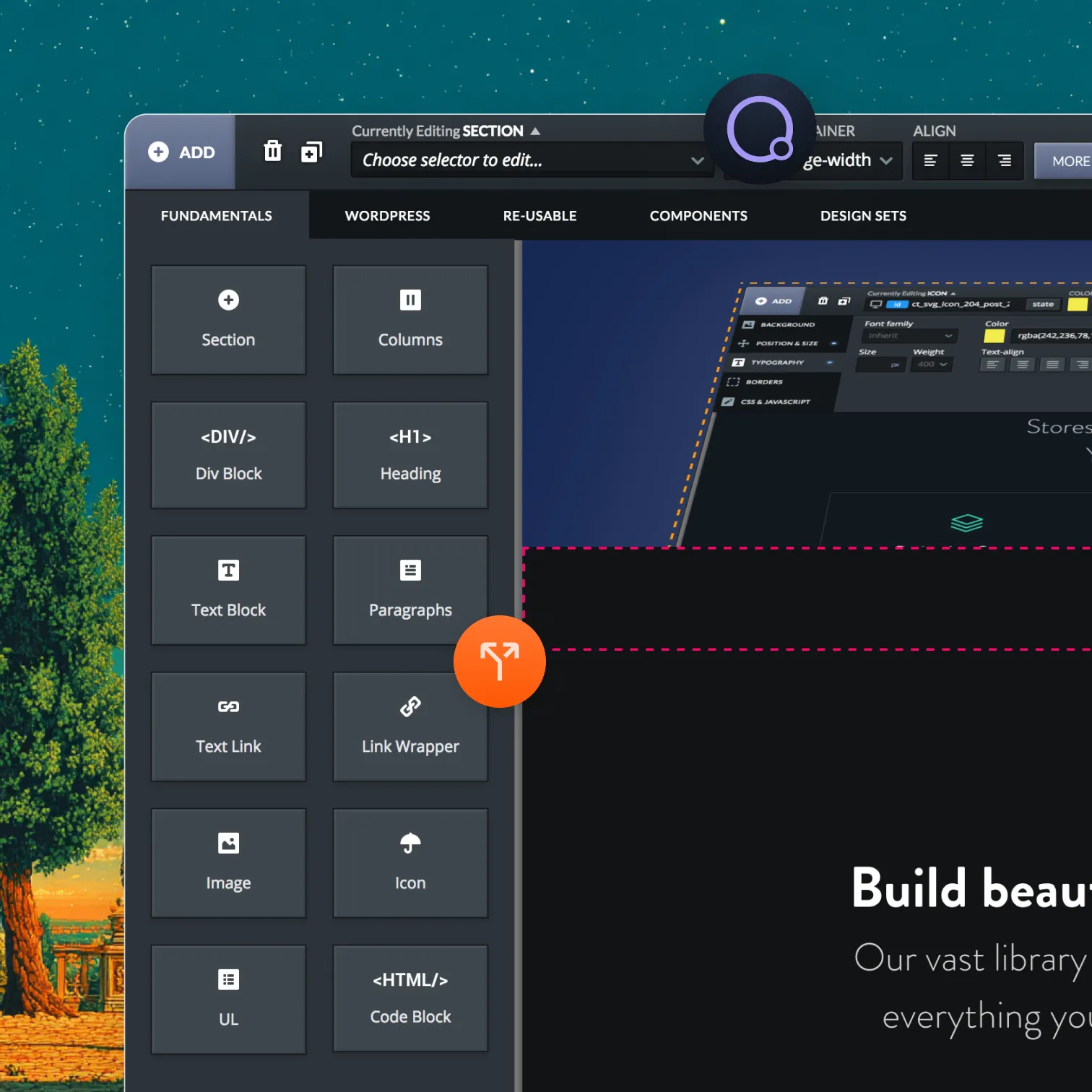
Oxygen Builder

A/B testing for sites built with Oxygen

Optibase connects to Oxygen Builder through its native Advanced → Attributes panel. Set up test attributes on any element, configure your conversion goal, and start testing — without touching Oxygen's code editor.
Native attributes panel: Add Optibase test attributes directly in Oxygen's Advanced settings.
No code editor required: Everything is done inside the visual Oxygen interface.
No Flickering: Variants load instantly. Your Oxygen design is never disrupted.
Header image
Join 3000+ companies already testing with Optibase
Native Oxygen integration

Add test attributes in Oxygen without touching the code editor

Oxygen's Advanced → Attributes panel lets you attach Optibase test data to any element — buttons, sections, containers — directly in the visual editor. Create two versions of your element, set the hidden variant to display: none, add your Optibase attributes to both, and Optibase handles which version each visitor sees.

Advanced Attributes panel

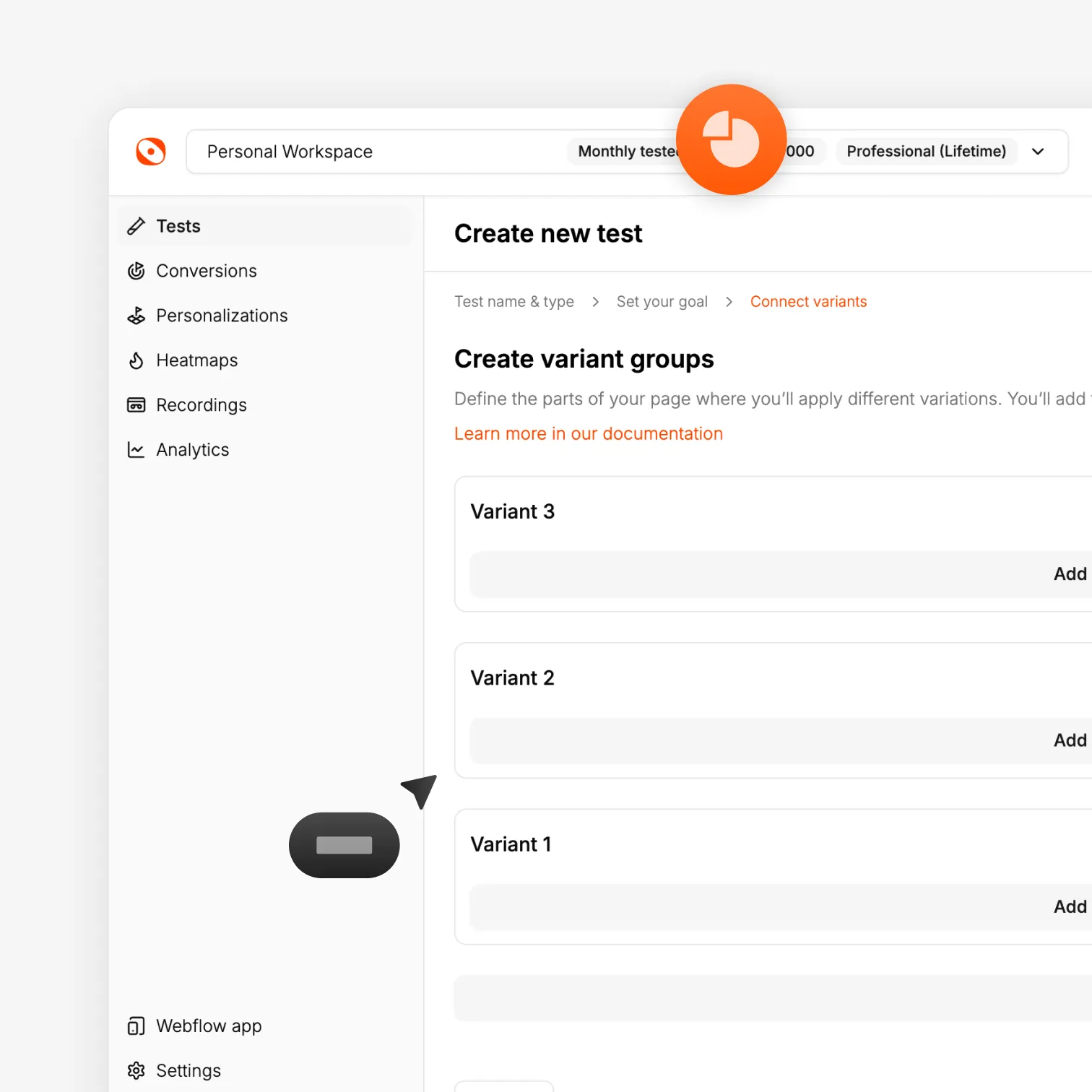
Add data-optibase-test-id, data-optibase-variant-id, and data-optibase-click-conversion-id to your elements in Oxygen's attributes panel. No PHP, no custom code.

Two elements, one test

Place both your A and B variants on the same page. Set the B variant to display: none. Optibase overrides this for the visitors assigned to that variant.

Works with dynamic data

Optibase is compatible with Oxygen sites that pull data from custom post types, Advanced Custom Fields, and other dynamic sources.
Performance

Testing that preserves the speed Oxygen sites are known for

Oxygen-built sites are among the fastest on WordPress. Optibase is built to keep them that way. The script is minimal and non-blocking, variants are delivered on the first render, and no technique Optibase uses would affect your site's speed or its performance in search results.

Flicker-free delivery

Visitors see their assigned variant on the first page load. The inactive element is hidden before the page finishes rendering.

Tiny script footprint

Optibase adds one lightweight script to your Oxygen site. Load times and Core Web Vitals stay unchanged.

SEO safe

One clean, stable page for Google to crawl throughout every test you run.
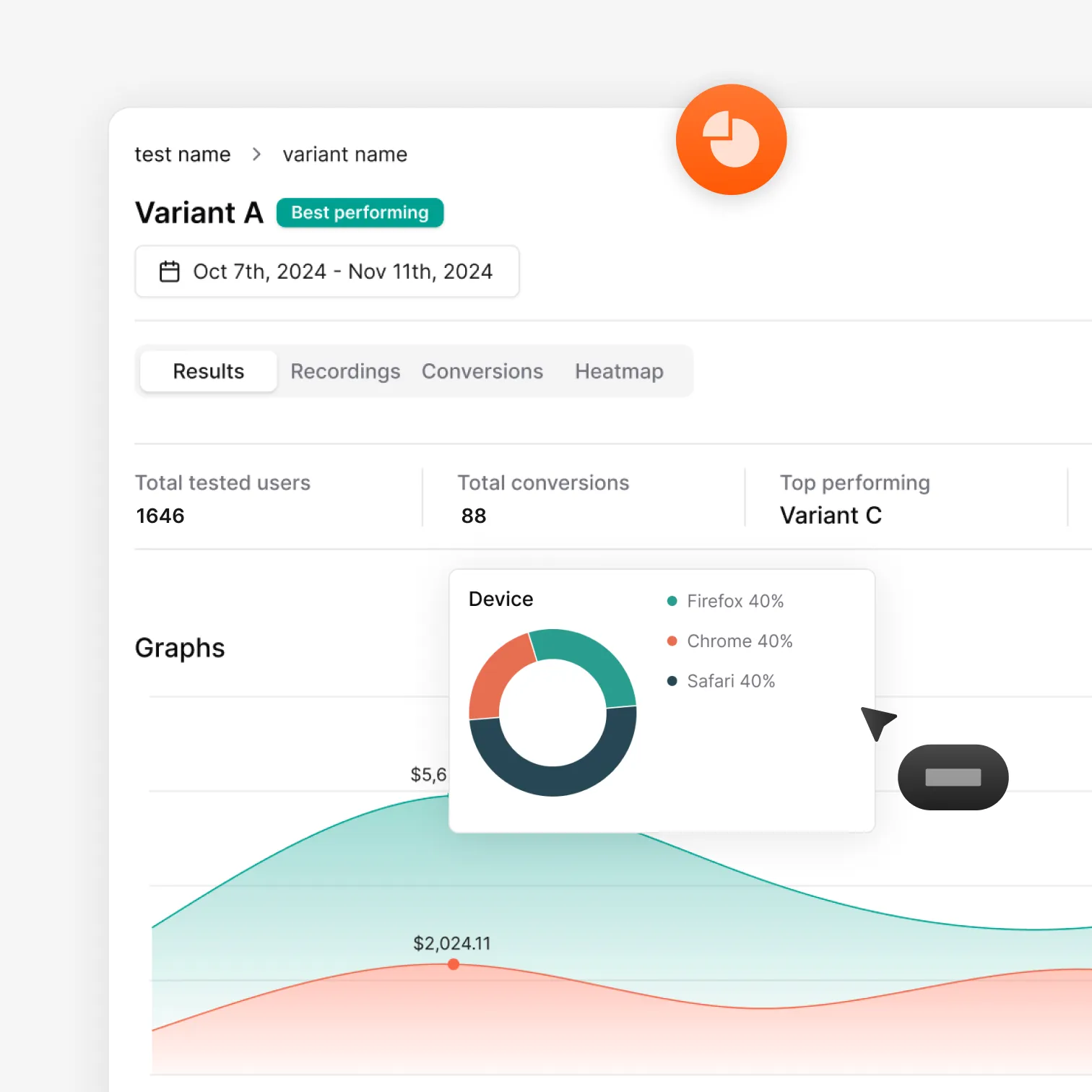
Optibase A/B test results dashboard with conversion data and charts
How it works

From install to live Oxygen test in under 15 minutes

Install the plugin, add Optibase attributes to your elements, set a conversion goal, and launch your test in minutes.

Download and install the plugin

Download the Optibase plugin ZIP from the download page. Upload it in WordPress under Plugins → Add New Plugin. Activate it.

Add your API key

Copy your Public API Key from your Optibase workspace Settings. Paste it into the Optibase plugin settings in WordPress and save.

Set up variants in Oxygen

Create two versions of the element you want to test. Set the B variant to display: none. In Oxygen's Advanced → Attributes panel, add your Optibase test ID, variant ID, and conversion ID to both elements.

Launch and read results

Activate the test in Optibase. Optibase shows each visitor one variant and tracks which one converts better. Check results in the dashboard.
Tutorial

A/B testing with Oxygen Builder

Install the plugin, set up variants in Oxygen, add the Optibase attributes, and launch a live test — full walkthrough.
FAQ

Frequently asked questions

Does Optibase support Oxygen Builder?
Yes. Optibase connects to Oxygen through the Advanced → Attributes panel. You add test attributes to your elements without using the code editor.
Why does the B variant need to be set to display: none?
Optibase determines which variant each visitor sees and overrides the display: none for the appropriate group. Without this, both variants would be visible before the script runs.
Does Optibase affect Oxygen site performance?
No. The script is lightweight and non-blocking. Oxygen sites built for performance stay performant when Optibase is running.
How do I install Optibase on an Oxygen site?
Download the plugin ZIP from the Optibase download page. Upload it in WordPress under Plugins → Add New Plugin. Activate it, then add your Public API Key from your Optibase workspace settings.
Can I test Oxygen pages that use dynamic data from ACF or custom post types?
Yes. Optibase connects to elements through attributes and does not interact with Oxygen's data rendering. Dynamic content sources do not affect how the test runs.