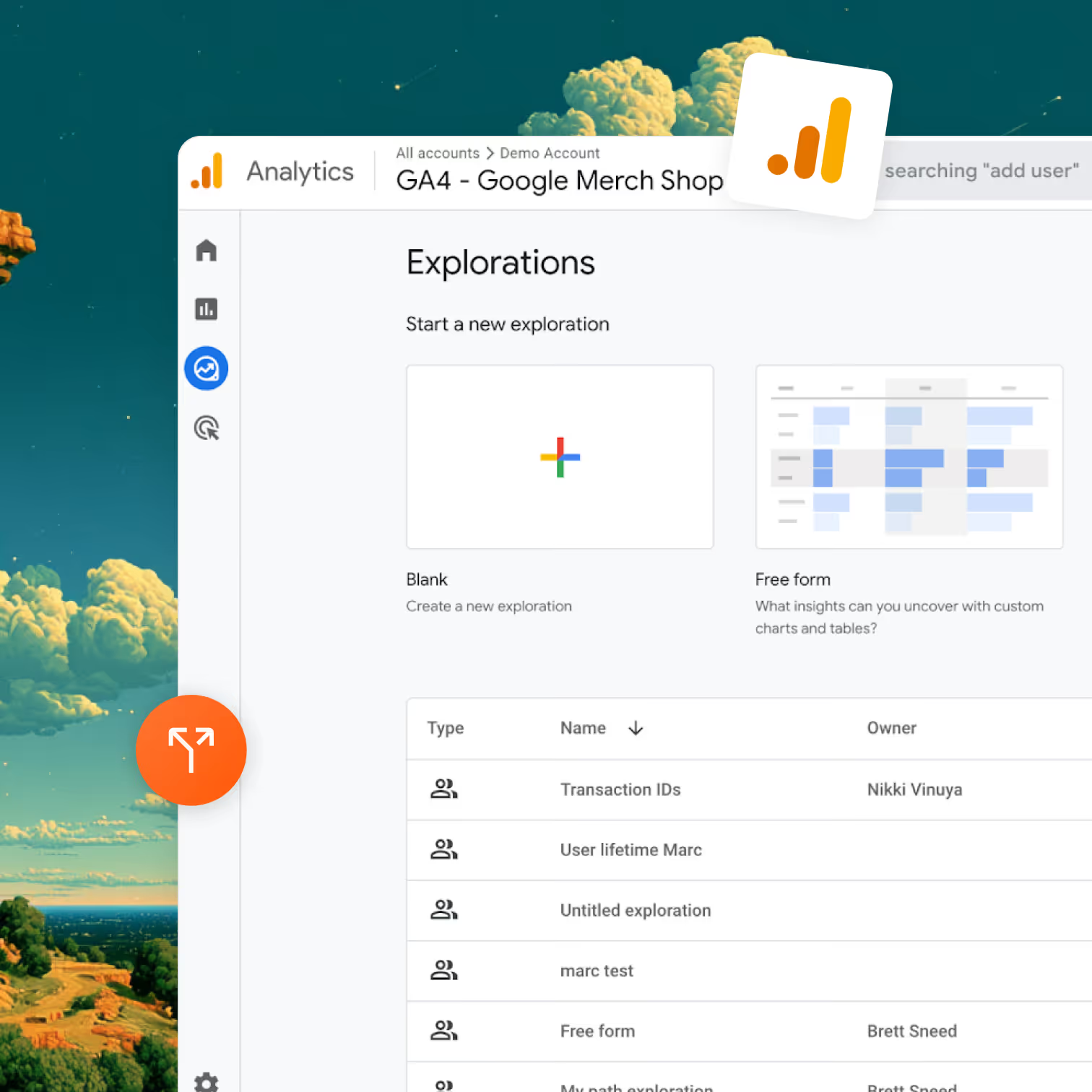
Analytics integration

Run A/B tests and analyze them in Google Analytics: Optibase + GA4 integration

Optibase fires an optibase_variant_shown event into GA4 every time a user is exposed to a variant, with event_category and event_label set so the event is ready for any GA4 report. Two install paths: native auto-detect or via Google Tag Manager.
The Google Optimize replacement. Optimize was sunset in September 2023. Optibase fills the gap with a deeper GA4 connection than Optimize ever had.
Two install paths. Native auto-detect (if GA4 is in your HTML) or via Google Tag Manager.
Build audiences in GA4 by variant. Use them in any Google Ads remarketing campaign.
Header image
Join 3000+ companies already testing with Optibase
About Mixpanel

What is Google Analytics 4?

Google Analytics 4 is Google's web and app analytics platform that replaced Universal Analytics in July 2023. It uses an event-based data model, integrates natively with Google Ads, and powers reporting for millions of websites worldwide.
What GA4 does not include is A/B testing. Google sunset Google Optimize in September 2023 and never replaced it inside GA4 itself. Optibase fills that gap. Run your tests in Optibase, fire the variant data into GA4, and your existing GA4 explorations, audiences, and conversions all gain a variant breakdown.
Why this integration

Why connect Optibase to GA4

A/B testing icon

Replace Google Optimize without losing your GA4 reporting

If your team relied on Google Optimize, every chart and audience you built was tied to GA. Switching tools usually means rebuilding all of it. Optibase pushes variant data into GA4 the same way Optimize did, so the reports you already built keep working with no rewrite.

Two install paths means it works with whatever you have

If GA4 lives in your HTML directly, Optibase auto-detects it and fires events. If GA4 is wired through Google Tag Manager, Optibase ships a GTM-ready listener so the events flow through your container. Either way, you ship.
Personalization icon

Variant-aware audiences for Google Ads

GA4 audiences sync to Google Ads as remarketing audiences. Connect your GA account in Optibase, click "Create Audiences" on a test, and Optibase builds one GA4 audience per variant. Now you can run Google Ads campaigns targeted to users who saw a specific variant.
Use cases

What you can run with Optibase + GA4

Pricing page test, conversion event in GA4 segmented by variant

Run a pricing page test on Optibase. In GA4 → Reports → Engagement → Conversions, add event_label as a secondary dimension on your purchase conversion event. The split between variants shows up immediately, in the same report you already use to track conversions.

Funnel exploration with variant breakdown

Open GA4 → Explore → Funnel exploration. Build the funnel you care about (landing page → form view → form submit → thank-you). Add the Optibase event as a custom dimension and segment the funnel by variant. You see exactly which step each variant wins or loses.
Personalization icon

Build a Google Ads remarketing audience for users who saw a winning variant

Some tests reveal a high-intent micro-segment. Use Optibase's GA4 audience builder to create a GA4 audience per variant, then push the winner's audience into Google Ads as a remarketing list. Now your ads can re-target exactly the users who saw the message that worked.
A/B testing icon

Cross-domain A/B test with GA4 cross-domain tracking

Optibase supports cross-domain experiments. Combined with GA4's cross-domain tracking, you can run a test that spans your marketing site and your app subdomain, and analyze the conversion event end-to-end in GA4.
Setup

How to set up the GA4 integration

There are two install paths. Pick the one that matches how GA4 is currently on your site.

Path A: Native (auto-detect)

If your GA4 Script Tag is added directly to your page's HTML, Optibase detects it automatically. There is no setup. Launch an Optibase test and the optibase_variant_shown event lands in GA4 from the next pageview.

Path B: GA4 via Google Tag Manager

If GA4 lives inside your GTM container, the events need to flow through GTM. Setup takes about ten minutes: Create a custom event trigger in GTM, create a Custom HTML tag with the Optibase variant listener script, create dataLayer variables, create a GA4 Event tag, and publish. Both paths land the same event with the same parameters in GA4.

Optional: connect your GA account to build audiences

If you want Optibase to auto-create GA4 audiences per variant, connect your GA account on the Optibase Integrations page. From there, every test gets a "Create Audiences" button that builds variant-specific audiences in GA4 ready for Google Ads remarketing.
What syncs

What gets sent to GA4

Field

Direction

Frequency

Sent as

optibase_variant_shown

Optibase → GA4

On variant exposure

GA4 event

event_category

Optibase → GA4

Per event

Event parameter, value optibase

event_label

Optibase → GA4

Per event

Event parameter, value {userFriendlyTestId}:{userFriendlyVariantId}

shownVariant

Optibase → GA4 (GTM path)

Per event

Event parameter, full variant object

FieldDirectionFrequencySent as
optibase_variant_shown Optibase → GA4 On variant exposure GA4 event
event_category Optibase → GA4 Per event Event parameter, value optibase
event_label Optibase → GA4 Per event Event parameter, value {userFriendlyTestId}:{userFriendlyVariantId}
shownVariant Optibase → GA4 (GTM path) Per event Event parameter, full variant object

GA4 audiences take 24 to 48 hours to populate after creation. Variant events appear in GA4 in near real time, but audience-based remarketing has a delay.

Browse integrations

Optibase integrates with the rest of your stack

Mixpanel

Auto-detected. Variant exposure lands as a Mixpanel event with variantId and testId. Works in any Insight, Funnel, Retention, or Cohort.

Learn more

Amplitude

Variant assignment events flow into Amplitude. Skip the Amplitude Experiment seat. Analyze in your existing Amplitude dashboards.

Learn more

PostHog

PostHog Actions detect Optibase data attributes natively. Pair Optibase marketing-page testing with PostHog's product analytics.

Learn more

BigQuery

Service-account auth, batch export of variant assignments, conversions, visitor IDs, and timestamps. Joinable with the GA4 BigQuery export, Stripe revenue, and any other warehouse data.

Learn more

Stripe

Server-to-server attribution that survives Stripe Checkout's domain change. Pass the Optibase user ID via client_reference_id, fire conversions from your webhook, see revenue per variant on every test.

Learn more

Google Tag Manager

Trigger Optibase conversions from any GTM event with optibaseSendConversionEvent('your-conversion-id'). Push variant data into the dataLayer for every other tag to consume.

Learn more

MCP Server

Hosted Model Context Protocol server at https://my.optibase.io/api/mcp. Read tests, conversions, heatmaps, and traffic from Claude Desktop, Cursor, or any MCP-compatible client.

Learn more

Custom API

Active Variants API in the browser. Conversion endpoint for server-to-server events. External user IDs. Reverse-ETL flows.


Learn more
FAQ

Frequently asked questions

How do I A/B test in Google Analytics 4?
GA4 does not include A/B testing. Google sunset Google Optimize in September 2023 and never replaced it. Optibase fills that gap. Run tests in Optibase, and variant exposure events land in GA4 automatically. You then break down any GA4 report by event_label to see which variant won. This is the standard pattern for A/B testing in GA4 post-Optimize.
Is Optibase the best Google Optimize replacement?
If you relied on Optimize, yes. Optibase replicates what Optimize did — fires variant data into GA4 as event parameters — but with a better visual editor, faster setup, and no Google account required. If you never used Optimize but want to run tests and see results in GA4, Optibase is the most direct path from test to GA4 report.
Native GA4 integration vs GA4 via GTM, which should I pick?
If GA4 lives in your HTML directly, pick Native — it requires zero setup. If GA4 is wired through Google Tag Manager, pick GTM. Both land the same event with the same parameters in GA4. The choice is purely about how GA4 is currently installed on your site.
Do I need to register a custom dimension in GA4?
No. The event lands with event_category and event_label already set. Those are standard GA4 event parameters that every GA4 report can already break down. No custom dimension registration is needed. You can use the data immediately in any GA4 Exploration or standard report.
How long does it take Optibase events to appear in GA4?
Typically within 30 minutes. GA4 batches events before processing them, so there is a natural delay between when the event fires in the browser and when it shows up in GA4 reports. This is standard GA4 behavior, not specific to Optibase.
Will Optibase events count against my GA4 event quota?
Yes, but minimally. The free GA4 tier allows 10 million events per month. One optibase_variant_shown event fires per pageview where a test is running. For most sites, this is a negligible portion of the quota. If you hit GA4's event limits, Optibase events are unlikely to be the cause.
Can I use Optibase + GA4 with consent mode?
Yes. If you have Google Consent Mode v2 enabled, Optibase respects the analytics_storage consent state. When consent is denied, Optibase does not fire variant events into GA4. When consent is granted, events flow normally.